Smart TV Wi-Fi & Connectivity Repairs Across Gauteng
From a Hisense VIDAA that refuses to see your router to a Samsung Tizen TV that drops Netflix every five minutes — we diagnose, repair and reconnect every Smart TV connectivity fault. Firmware, antennas, modules and full main-board work.
Tell Us About Your TV
Send TV brand, model and what's happening — we'll come back with a likely cause and price guide within minutes.
A Smart TV With No Wi-Fi Is Just a TV
A modern Smart TV without Wi-Fi is, frankly, useless for most South African households. Netflix won't load. DStv Stream won't open. Showmax sits on the buffering wheel. The home screen of Tizen, webOS, VIDAA or Google TV can't fetch its recommended content tiles. Mirroring from your phone fails. Even the firmware updater that might fix the underlying problem can't reach the manufacturer's update servers. The whole "smart" part of the smart TV collapses the moment connectivity goes.
The encouraging news is that connectivity failures are among the most diagnostically tractable faults we see in our Gauteng workshop. The Wi-Fi subsystem on a Smart TV consists of well-defined building blocks — the radio module (usually a combined Wi-Fi/Bluetooth chip), the internal antenna, the firmware stack handling the protocol layers, and the app-level certificates and DRM modules that streaming services rely on. A fault at any one of those levels presents with a recognisable symptom pattern, and our 5-step troubleshooting process gets to the root cause quickly without expensive guesswork.
How We Diagnose Every Wi-Fi Fault
Cheapest fixes ruled out first. Hardware replacement only if firmware and configuration are clean.
Router Check & Signal Strength
First we confirm the router itself is healthy — other devices connect, internet works, signal reaches the TV location at a usable strength. Roughly 15% of "TV Wi-Fi problems" turn out to be router or ISP issues and don't need TV work at all. We'll tell you straight.
Range & Band Diagnosis
We measure RSSI signal strength at the TV's exact location, test both 2.4GHz and 5GHz bands, and identify whether interference from neighbouring networks or microwave devices is degrading the connection. Often a band switch alone solves the entire problem.
Firmware Re-Flash via Service Mode
Where the TV scans and sees networks but won't connect, or sees no networks at all but the hardware probes test OK, we re-flash the firmware via the brand's service mode. This resolves corrupt Wi-Fi stacks, expired Widevine certificates and broken app frameworks. About 50% of connectivity faults end here.
Wi-Fi Module Replacement
When firmware is clean but the hardware probe reveals a failed radio, we replace the combined Wi-Fi/Bluetooth module. It's a discrete component on most modern TVs, accessible from the back service cover, and the swap usually takes under an hour.
Main Board Work (Last Resort)
On older TVs with Wi-Fi integrated into the main system-on-chip, or on lightning-damaged sets where multiple subsystems have failed, we move to main-board level repair or replacement. Costed transparently against the TV's economic value before any work proceeds.
A Full Map of Smart TV Connectivity Problems
From the simple to the seriously technical — we handle every Wi-Fi and streaming fault.
Apps Won't Open
Netflix, Showmax, Disney+, DStv Stream and YouTube failing to launch is almost always a corrupt cache or expired Widevine certificate. R550–R1,100 to resolve.
Dropping Wi-Fi Repeatedly
Intermittent dropouts usually point to a marginal Wi-Fi module or a poor antenna connection inside the TV. Firmware re-flash or hardware swap.
Netflix Loading Loop
Stuck on the red Netflix logo with the loading wheel? Cache and DRM certificate clear via service mode — typically R550.
Showmax Errors
Showmax errors are usually a region/DNS issue, an app version mismatch, or DRM corruption after a firmware patch.
Slow 4K Streaming
4K stalls usually mean insufficient throughput. We test band, signal strength and recommend antenna or 5GHz repositioning.
Indicative Rand Pricing
The four most common Wi-Fi repair categories with honest ranges.
| Repair Type | What's Involved | Price Range |
|---|---|---|
| Firmware re-flash | Service-mode firmware install, Wi-Fi stack reset, certificate refresh | R780 – R1,100 |
| Wi-Fi module replacement | Combined Wi-Fi/Bluetooth module swap, OEM part | R900 – R1,700 |
| Internal antenna repair | Antenna re-seat, cable replace, connector clean | R550 – R900 |
| Main-board repair / replacement | When Wi-Fi is integrated into the main SoC | R2,200 – R5,400 |
Please note that all prices displayed are estimated starting prices only. Final repair costs may vary depending on the TV size, model, fault diagnosis, parts required, labour, and any additional repairs needed after inspection.
VIDAA, Tizen and webOS — Different Platforms, Different Failure Patterns
Each Smart TV operating system has its own characteristic Wi-Fi behaviour and its own failure modes.
VIDAA OS Wi-Fi Quirks
Hisense VIDAA is generally well-behaved on Wi-Fi but is prone to losing Showmax authentication after firmware updates, and certain U-series models won't fully see hidden 5GHz networks. Service-mode re-flash resolves both.
Tizen OS Wi-Fi Quirks
Samsung Tizen TVs occasionally lose Wi-Fi after a Tizen version update, requiring a network settings reset and reconnect. The well-known "no internet, but network connected" fault is usually a DNS handshake issue — fixable in under an hour.
webOS Wi-Fi Quirks
LG webOS handles Wi-Fi well but has a known issue on 2018–2020 models where the radio module slowly degrades after thousands of hours, presenting as gradually worsening dropouts. Module replacement is straightforward.
We also handle Sony Bravia (Google TV), TCL (Google TV / Android), Panasonic and Skyworth Smart TVs. See our general Smart TV repair page for the full overview.
 Smart TV Specialists
Smart TV Connectivity Done Properly
Most general electronics shops will tell you a Smart TV that won't connect to Wi-Fi has a "main board problem" and quote you R4,200 for a replacement board. In our experience, fewer than one in ten of those diagnoses are actually correct. The vast majority of Wi-Fi faults are resolvable through proper firmware tooling or discrete Wi-Fi module replacement for under R1,800.
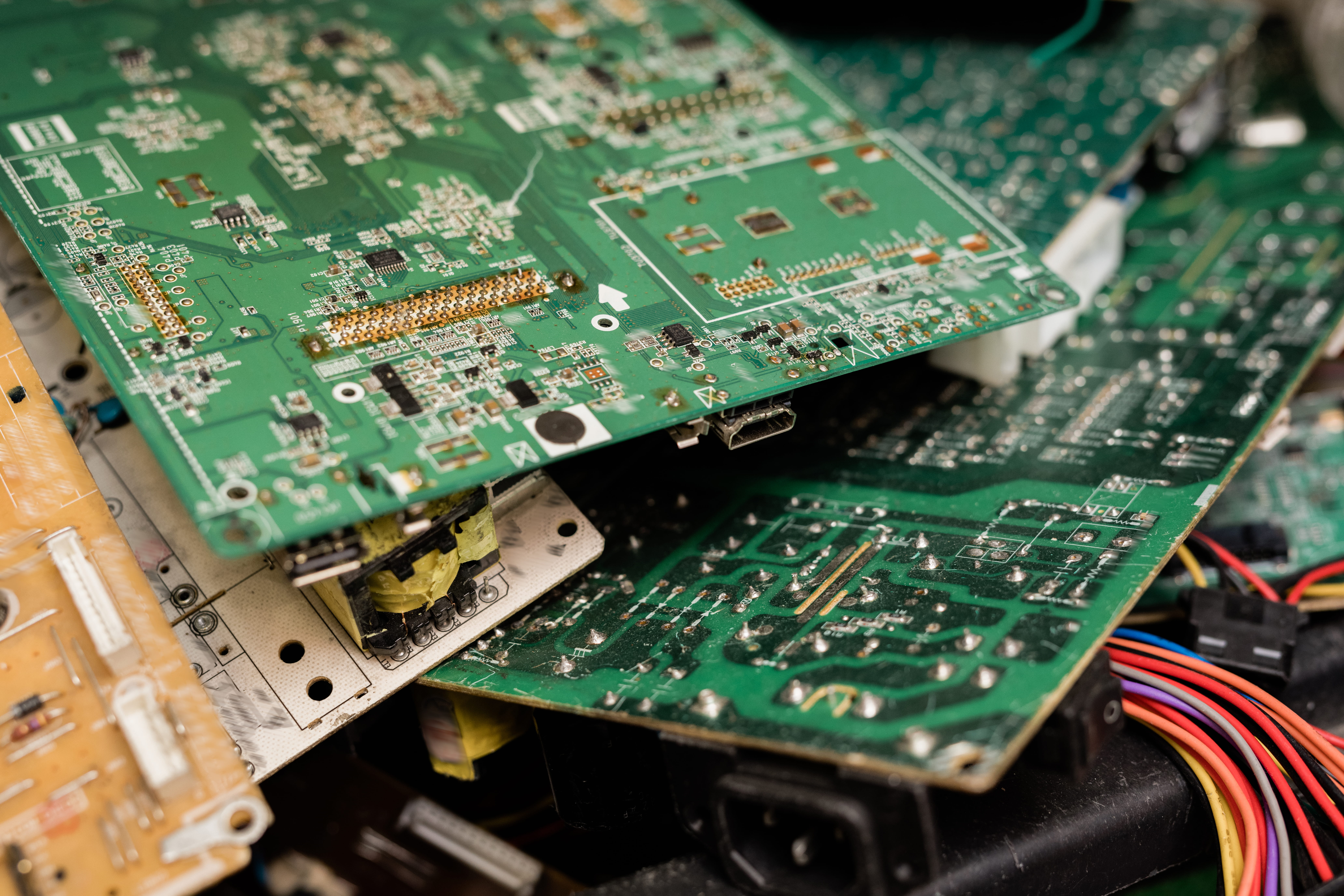
Nathtec's Smart TV bench is equipped with the service-mode access tools, factory firmware libraries and component-level parts inventory for every major Smart TV platform sold in South Africa — Tizen (Samsung), webOS (LG), VIDAA (Hisense), Google TV (Sony, TCL, Hisense), MyHomeScreen (Panasonic) and Coocaa (Skyworth). We can re-flash any of them through the manufacturer's hidden engineering interface, refresh DRM certificates for Netflix and Showmax, and replace the discrete Wi-Fi modules used across the brands.
Every Wi-Fi and connectivity repair carries our 90-day workmanship and parts warranty, with our no-fix-no-fee policy on the diagnostic time. We give you straight answers about what is and isn't economically repairable on your specific TV — and we proceed only on your written approval.
Smart TV Wi-Fi Repair Across Gauteng
In-home diagnostics for connectivity faults across the major centres.
Not seeing your suburb? Call 078 721 3551 to confirm coverage.
Smart TV Wi-Fi Questions, Answered.
A Smart TV that won't connect to Wi-Fi is usually caused by one of four things: corrupt firmware after an interrupted update or load-shedding cycle, a failed combined Wi-Fi/Bluetooth radio module on the main board, a poor antenna connection inside the TV chassis, or simple signal-strength issues from the home router being too far away. We diagnose all four causes systematically — most fixes cost between R780 and R1,700.
Smart TV Wi-Fi module replacement typically costs R900–R1,700 depending on TV brand, model and the specific combined Wi-Fi/Bluetooth chip used. On most modern Samsung, LG, Sony, Hisense and TCL televisions, the module is a discrete plug-in component on the main board, replaceable in under an hour by a technician with the right OEM part.
Dropping Wi-Fi usually points to one of four things: a marginal Wi-Fi module starting to fail, an internal antenna with an oxidised or loose connection, a firmware-level handshake issue with a newer router (especially Wi-Fi 6 routers), or 5GHz band compatibility issues. We resolve through firmware re-flash, antenna repair or module replacement — diagnostic confirms the root cause first.
Apps like Netflix, Showmax, Disney+ and DStv Stream stop working for one of three reasons: an outdated app version that hasn't been refreshed by the platform, full app cache that needs to be cleared, or DRM/Widevine certificate corruption after a firmware update (this last one is increasingly common). A R780 firmware re-flash via service mode resolves the vast majority of streaming app issues.
It depends on distance. The 5GHz band offers 3–5x the throughput of 2.4GHz, which is significantly better for 4K streaming — but 5GHz penetrates walls far less effectively. If your TV is within 6 metres of the router with at most one wall between them, use 5GHz. If it's 8 metres or more away with multiple walls (brick or concrete), 2.4GHz is usually more stable even though it's slower.
Yes. Apps that fail to open are typically a corrupt app cache, expired certificates, or a firmware-level fault in the app framework. We resolve through app-cache clear, full app reinstall, or service-mode firmware re-flash for R550–R1,100 depending on platform (Tizen, webOS, VIDAA, Google TV, Coocaa). Most are completed in-home in under an hour.
Most Wi-Fi connectivity faults — firmware re-flash, antenna re-seating, configuration and band adjustment, app cache work — are fixable in-home across Gauteng (Johannesburg, Sandton, Pretoria, Midrand, Randburg, Soweto). Wi-Fi module replacement on larger sets, and any main-board level work, is typically done in our workshop with same-day or next-day turnaround.
Yes. Every Wi-Fi and connectivity repair carries our standard 90-day workmanship and parts warranty. If the same fault returns within that 90-day window, the re-repair is on us. Our no-fix-no-fee policy also applies to the diagnostic time — if we can't restore connectivity, you don't pay.
The Complete Guide to Smart TV Wi-Fi & Connectivity Repair in Gauteng
The smart television has become the default living-room entertainment device in South African households over the past decade, and with it has come an entirely new category of repair complaint that simply didn't exist on traditional dumb TVs: connectivity failure. Netflix won't load. Showmax stops authenticating. The TV sees the home Wi-Fi network but refuses to connect. The connection drops in the middle of a movie. The whole "smart" layer of the TV — what most owners actually paid for — collapses, leaving an expensive panel that can only show terrestrial TV or whatever's on the HDMI input.
At Nathtec TV Repairs we've spent more than a decade resolving exactly those faults for households and businesses across Gauteng. Wi-Fi and connectivity complaints now account for roughly one in four repairs that come through our Johannesburg workshop — a sharp rise from a few years ago, driven by both the proliferation of Smart TVs in every household and by the increasing complexity of the modern Wi-Fi standards they have to negotiate with. Wi-Fi 6, Wi-Fi 6E, mesh networks, dual-band routers, DRM certificates for streaming services, region-locked apps and frequent firmware updates from manufacturers all introduce new ways for the connectivity chain to break.
How Smart TV Wi-Fi Actually Works (and How It Breaks)
The Wi-Fi subsystem on a modern Smart TV is a layered piece of engineering. At the bottom sits the combined Wi-Fi/Bluetooth radio module — usually a small discrete chip soldered or socketed onto the main board, with its own internal antenna or a wired antenna routed to a corner of the TV chassis. On top of that sits the operating system Wi-Fi stack — Tizen on Samsung, webOS on LG, VIDAA on Hisense, Google TV / Android on Sony and TCL, MyHomeScreen on Panasonic, Coocaa on Skyworth. The OS handles network discovery, authentication and IP configuration. Above that sit the app-level network stacks for Netflix, Showmax, DStv Stream and others, which handle their own DNS, TLS and DRM certificate validation.
A failure at any of those layers presents to the user as "Wi-Fi isn't working", but the actual root cause and the actual repair are completely different. Radio module failure usually presents as the TV completely failing to see any networks at all. OS-level firmware corruption presents as networks visible but failing to connect, or "connected with no internet". App-level certificate corruption presents as Netflix or Showmax opening to the splash screen and then immediately erroring out, while the network connection itself works fine for other apps. An experienced technician's job is to triage these symptoms quickly and identify which layer needs work.
Why Firmware Re-Flash Solves So Many Connectivity Issues
If we had to name the single most cost-effective Wi-Fi fix in our entire toolkit, it would be the service-mode firmware re-flash. For roughly R780–R1,100, depending on TV brand, we boot the television into its hidden engineering mode, wipe the existing software image and write a clean factory firmware build, then re-register the device's network stack and DRM certificates. The whole process takes about 90 minutes and resolves an astonishing range of complaints: networks not visible, "connected with no internet" errors, Netflix and Showmax failing to load, apps crashing on launch, Bluetooth refusing to pair, voice-remote stopping to respond, and certain dropout patterns.
What makes this so effective is that modern Smart TVs run dozens of background services — DRM agents, app update services, recommendation engines, ad telemetry, voice assistant pipelines — and corruption in any one of them can knock out connectivity in surprising ways. South African mains conditions, with their frequent load-shedding cycles, contribute heavily to firmware corruption: a Smart TV interrupted mid-update by a power cut is one of the most common ways the firmware becomes corrupted, and the user typically has no idea that update was running. A proper service-mode re-flash restores the entire software stack to a known-good state.
When Wi-Fi Module Replacement Is Actually Needed
Some Wi-Fi faults can't be fixed in software. When the diagnostic shows the TV's radio probe returning no signal at all, or when the radio probes show working hardware but the firmware re-flash hasn't resolved the dropouts, the next step is physical module replacement. Most modern Smart TVs use a discrete combined Wi-Fi/Bluetooth module — usually based on Realtek, MediaTek or Atheros radio chipsets — plugged into a small socket on the main board. Replacement involves accessing the rear of the TV, removing the service cover, swapping the module and reseating the internal antenna connector.
Total cost in our Gauteng workshop is typically R900–R1,700 including the OEM-grade module, labour and a verified test of connection stability across both 2.4GHz and 5GHz bands. On older Smart TVs (typically pre-2017) where Wi-Fi was integrated directly into the main system-on-chip rather than implemented as a discrete module, the only hardware fix is main-board level repair or replacement — see our motherboard repairs page for that pathway. We always tell you transparently which approach applies to your specific TV.
App-Level Issues — Netflix, Showmax, DStv Stream and Friends
By a significant margin, "my apps aren't working" is the connectivity complaint we hear most often from Smart TV owners — and the underlying causes are almost always at the app level rather than the Wi-Fi layer. Netflix sitting on the loading wheel forever is typically a corrupt local cache or expired Widevine DRM certificate. Showmax errors are usually a region or DNS mismatch, sometimes triggered by an aggressive Smart DNS service the owner has installed. DStv Stream failing to authenticate is almost always an account-level issue rather than a TV fault — though we frequently find the actual problem is a corrupt subscription file in the TV's local storage that needs a clean app reinstall.
Our service-mode app reset toolkit covers all the major streaming services on all the major Smart TV platforms. The fixes are routinely completed in-home in under an hour for R550–R1,100. We'll always tell you when the problem is actually with the streaming service (occasional outages do happen) rather than the TV — that's not a repair we charge for.
Wi-Fi 6, Mesh Networks, and the Compatibility Issues They Cause
A subtle but increasingly common cause of Smart TV connectivity issues in 2025 and 2026 is the simple incompatibility between newer Wi-Fi standards on the router side and older Wi-Fi radios on the TV side. Many South African households have recently upgraded to Wi-Fi 6 routers — typically as part of fibre upgrades from Telkom, Vumatel, MetroFibre or other ISPs — and the new routers occasionally have negotiation issues with Smart TVs from 2017 to 2020 that only support Wi-Fi 5 or earlier.
The symptoms are characteristic: the TV sees the network and appears to connect, but then drops the connection within seconds, or shows "connected, no internet". Mesh networks add another layer of complexity — band-steering features can confuse older Smart TVs, and seamless roaming between mesh nodes occasionally fails on the TV's radio side. Our fixes range from router-side configuration tweaks (disabling 802.11ax forced mode, splitting bands into separate SSIDs) to TV-side firmware re-flash to enable better compatibility. Most are resolved in a single visit.
Same-Day Smart TV Wi-Fi Repair Across Gauteng
For the vast majority of Wi-Fi and connectivity faults, same-day repair is genuinely achievable — firmware re-flash, app issues, antenna re-seating and configuration faults are typically resolved in one in-home visit lasting one to two hours. Module replacement on larger sets is typically completed in-workshop within 24–48 hours. We cover Johannesburg, Sandton, Pretoria, Midrand, Randburg and Soweto for in-home service, with workshop collection and delivery available anywhere in Gauteng.
For related Smart TV faults, see our pages on Smart TV repairs, motherboard repairs, sound repairs and remote and sensor repairs. For complete pricing across all repair types see our repair cost guide, or browse our overview of common TV problems. To start a connectivity-repair conversation, call or WhatsApp 078 721 3551 with the TV brand, model and a description of the symptom. We reply within minutes during business hours.
Smart TV Offline? Apps Broken? Let's Reconnect You.
Most Smart TV Wi-Fi problems are far cheaper to fix than they look. Free diagnostic, no-fix-no-fee policy, 90-day warranty on every Wi-Fi repair we complete.
Important Pricing Note
Please note that all prices displayed are estimated starting prices only. Final repair costs may vary depending on the TV size, model, fault diagnosis, parts required, labour, and any additional repairs needed after inspection.